
Need to move your YouTube setup to another account?
TubeTransfer helps you copy playlists, subscriptions, and liked videos between YouTube accounts without rebuilding everything by hand.
It is built for the moment when you switch to a new account, split personal and work accounts, or manage multiple channels.
TubeTransfer is an independent app and is not affiliated with, endorsed, or sponsored by Google LLC or YouTube.
What the transfer flow looks like
These are the screens people care about most: choosing what to copy, selecting subscriptions, selecting playlists, and keeping the source account unchanged.
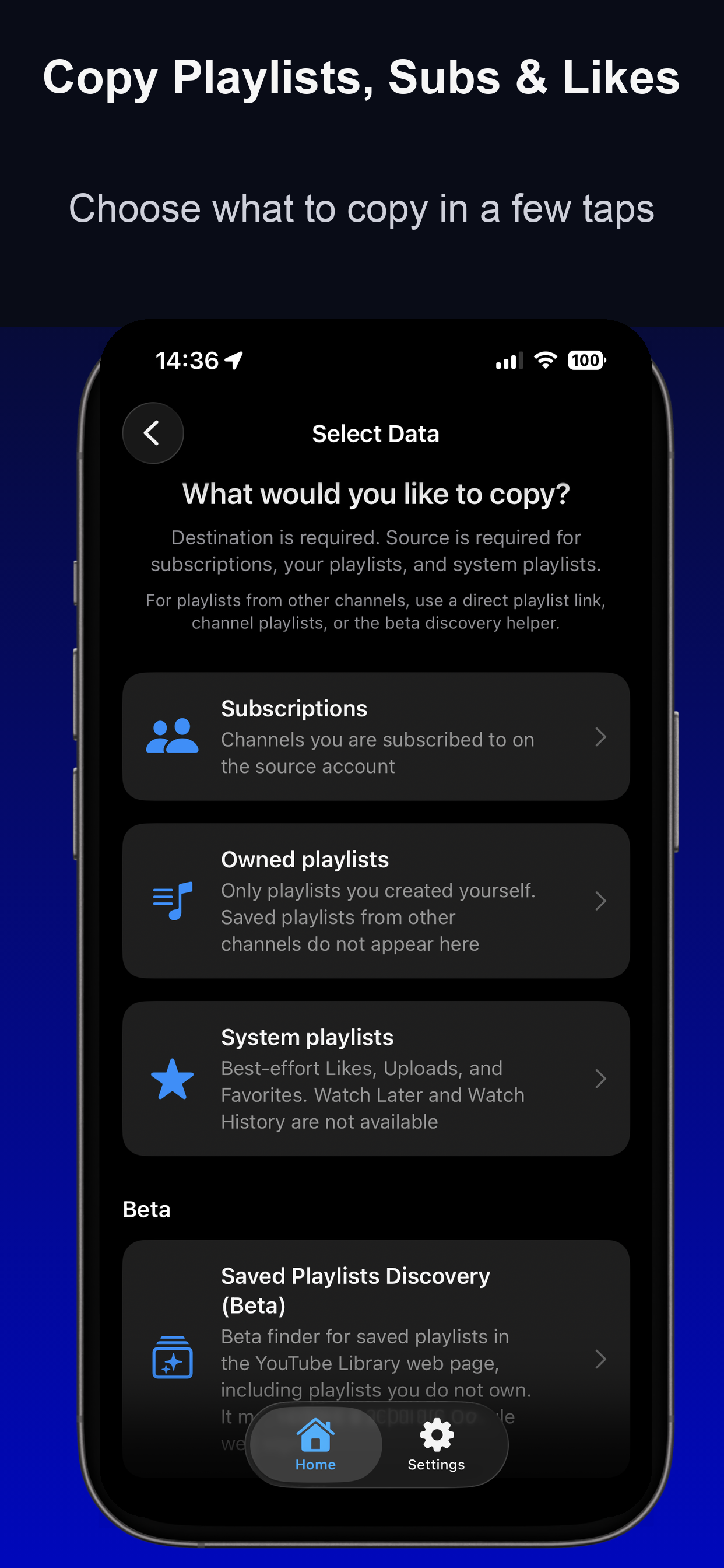
Choose what to copy
See playlists, subscriptions, and liked-video related options in one place.
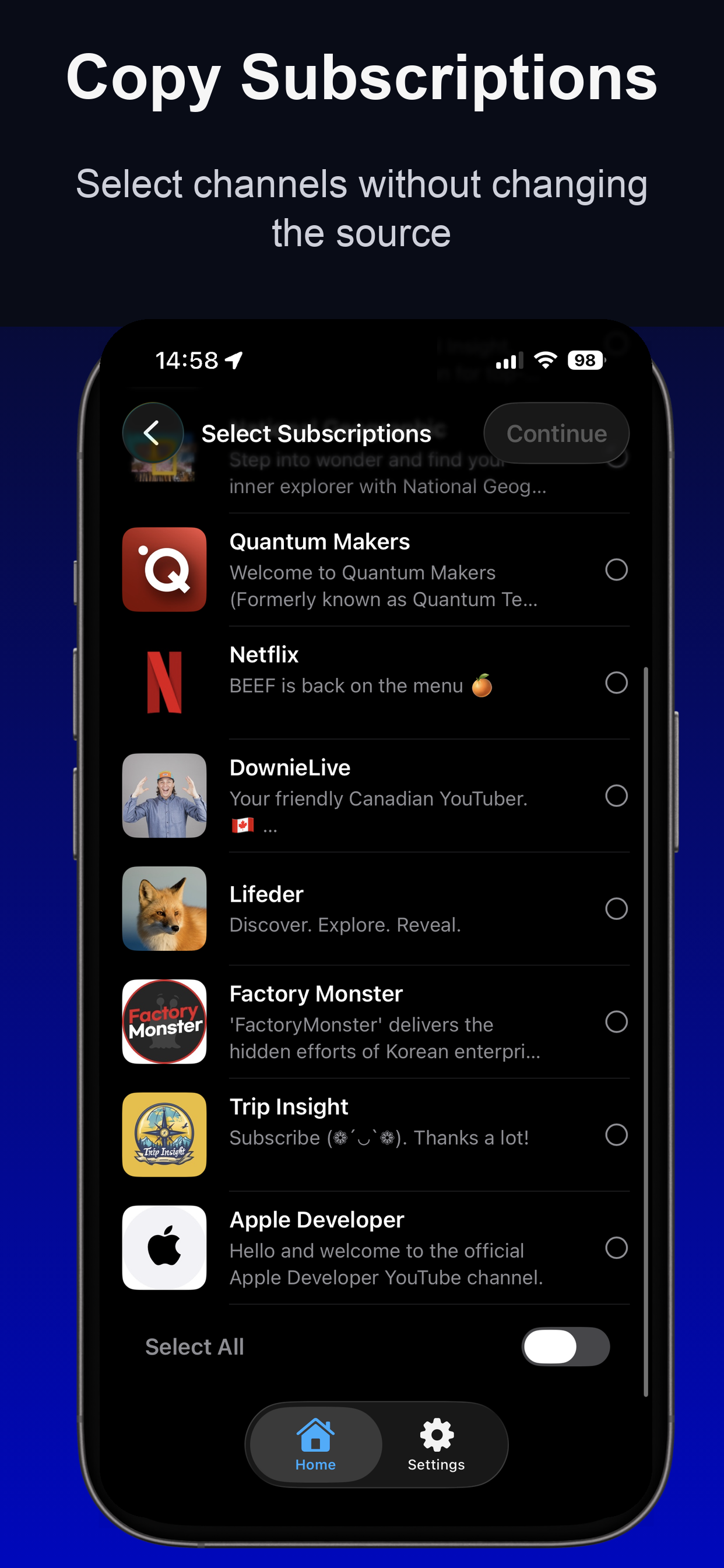
Copy subscriptions
Select channels to copy without changing the source account.
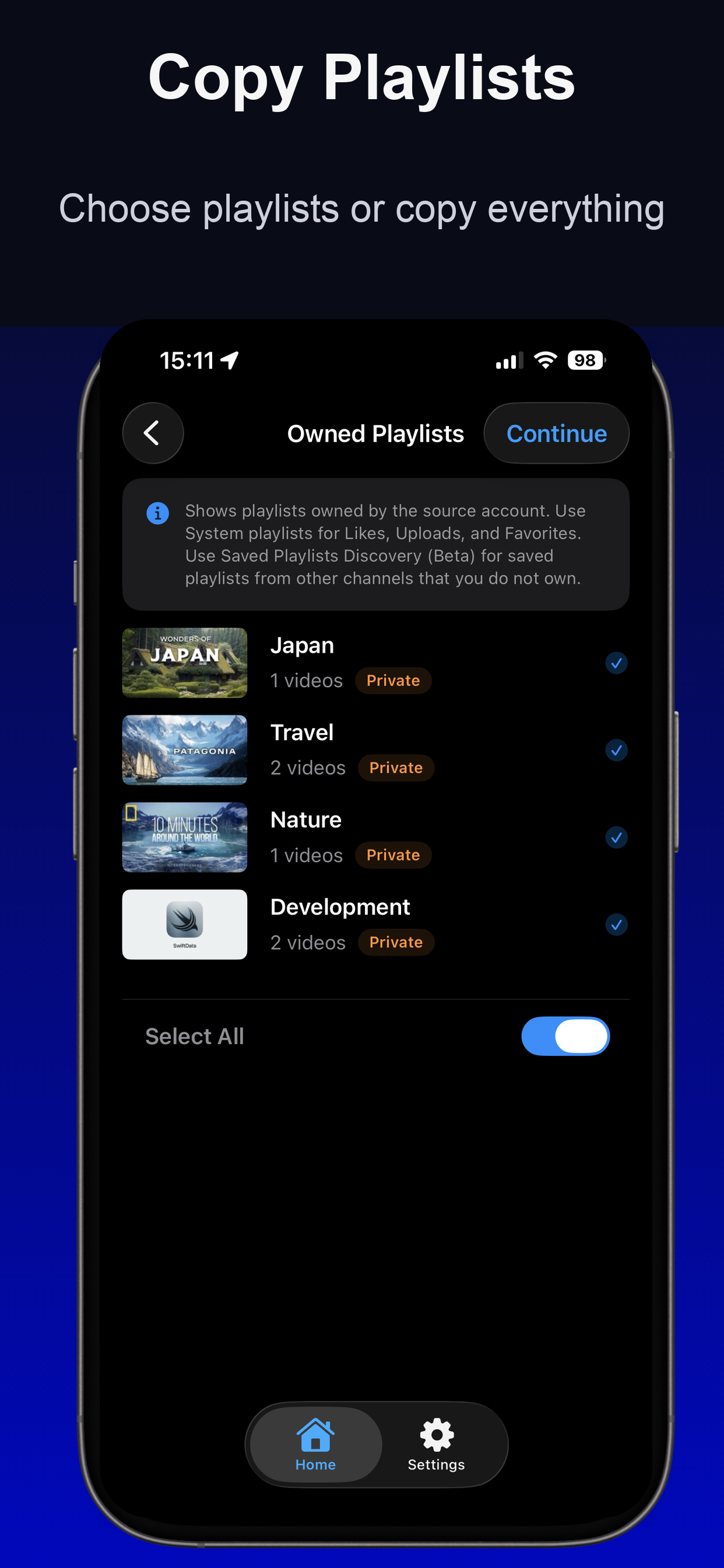
Move playlists
Choose individual playlists or copy everything in one pass.
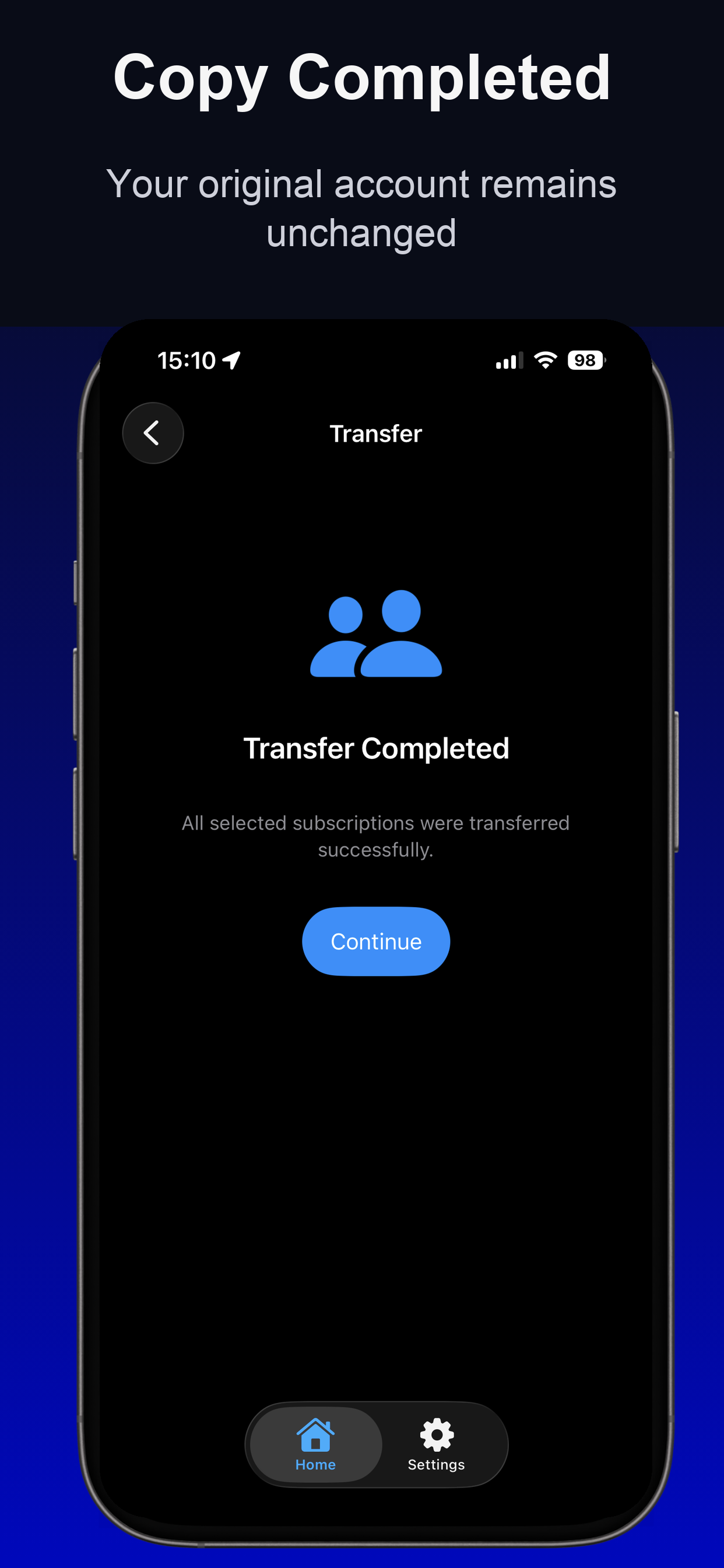
Keep source unchanged
Your original account stays intact while TubeTransfer copies to the destination.
Common use cases
- Moving to a new YouTube account. Bring over playlists, subscriptions, and liked videos without starting from zero.
- Separating personal and work accounts. Keep one account for your channel or brand and another for everyday viewing.
- Managing multiple channels. Recreate the same YouTube setup across creator, team, or brand accounts.
How it works
- Sign in to your source and destination accounts with official Google OAuth.
- Choose whether to copy playlists, subscriptions, or liked videos.
- Start the transfer and let TubeTransfer recreate that setup in your destination account.
All operations are performed through the official YouTube Data API, with no access to your Google password and no storage of your YouTube library on our servers.
Manual setup vs TubeTransfer
Manual setup
- Rebuild playlists one by one.
- Resubscribe channel by channel.
- Double-check what was missed.
- Risk losing track of your original setup.
TubeTransfer
- Copy playlists, subscriptions, and liked videos in one app.
- Use official Google sign-in for source and destination accounts.
- Keep the source account unchanged during the move.
- Get a clear completion state when the transfer finishes.
Why people use TubeTransfer
- Save manual work. Skip rebuilding playlists and subscriptions one by one.
- Keep your original account unchanged. TubeTransfer reads from the source account and copies to the destination account.
- Handle the full move in one flow. Playlists, subscriptions, and liked videos are supported in the same app.
- Stay in control. Use official Google auth and revoke access whenever you want.
What TubeTransfer does and does not do
- Does: copy your YouTube setup between accounts using the official YouTube Data API.
- Does not: modify or delete the original account while copying to the destination account.
- Does not: store your playlists, subscriptions, or liked videos on our servers.
- Does: use limited third-party analytics and diagnostics to improve reliability.
- Does not: use cross-app tracking or ad-personalization profiling.
You can review our Privacy Policy, visit Support, or revoke access anytime in your Google Account Security Settings.
Why people can trust the transfer flow
Official Google auth
TubeTransfer uses Google OAuth and the official YouTube Data API instead of asking for your Google password directly.
Source account stays intact
The app reads from the source account and copies into the destination account without rewriting the original setup.
No backend storing your library
Your playlists, subscriptions, and liked videos are not stored on our servers as part of the transfer flow.
Published App Store privacy labels
The app’s analytics and diagnostics disclosures are published in App Store Connect and aligned with this site’s privacy policy.
Move your YouTube playlists, subscriptions, and liked videos without rebuilding everything by hand
Download TubeTransfer on the App Store and keep your original account unchanged.

Questions before you install? Visit Support.